
Sunday Tech Corner with Alex

Summer Travel Tech Tips: Stay Connected, Safe, and Stress-Free
Summer is one of the busiest travel seasons of the year. Whether you’re flying across the country, setting sail on a cruise, or hitting the open road, technology can make your trip easier, safer, and a lot more enjoyable. A little preparation before you leave can also help you avoid frustrating surprises while you’re away.
Here are some of the best tech tips to keep in mind before your next adventure.
📱 1. Download Everything Before You Leave
Don’t assume you’ll always have an internet connection.
Before your trip, download:
- Boarding passes
- Cruise documents
- Hotel confirmations
- Maps for offline use (Google Maps or Apple Maps)
- Movies, TV shows, podcasts, or music
- Translation packs if traveling internationally
Having everything stored on your phone means you won’t be scrambling for Wi-Fi when you need important information.
🔋 2. Bring a Portable Battery Pack
Your phone becomes your:
- GPS
- Camera
- Boarding pass
- Payment method
- Communication device
That also means the battery drains much faster than usual.
Carry a quality power bank capable of charging your phone at least two or three times. If you’re traveling with multiple devices, consider one with USB-C Power Delivery (PD) for faster charging.
🔌 3. Pack the Right Charging Gear
Nothing is worse than realizing you forgot the correct charger.
Consider bringing:
- USB-C charging cable
- Lightning cable (if needed)
- USB-C wall charger
- Multi-port charger for hotels
- Car charger
- International power adapter (if traveling overseas)
A small travel organizer keeps everything together and prevents tangled cables.
✈️ 4. Flying? Put Airplane Mode to Good Use
Once the plane takes off:
- Enable Airplane Mode.
- Turn Wi-Fi back on if the airline offers onboard internet.
- Enable Bluetooth if you use wireless headphones.
This helps conserve battery life while still allowing you to use available services.
🚢 5. Cruise Smart
Cruise ships are a little different than traditional vacations.
Keep these tips in mind:
- Put your phone in Airplane Mode before the ship leaves port.
- Turn on Wi-Fi only if you’ve purchased an internet package.
- Avoid cellular roaming at sea—it can become extremely expensive.
- Download the cruise line’s mobile app before boarding for daily schedules, reservations, and messaging.
🚗 6. Road Trip Navigation
Before driving:
- Download offline maps.
- Mount your phone safely.
- Update your navigation apps.
- Save favorite destinations.
If you’re heading into remote areas, offline maps can be a lifesaver.
🔐 7. Keep Your Devices Secure
Travel is one of the easiest times to lose a phone or laptop.
Before leaving:
- Enable Find My iPhone or Find My Device.
- Make sure screen lock is enabled.
- Use Face ID, Touch ID, or fingerprint unlock.
- Back up your photos and important files.
If something is lost, you’ll have a much better chance of recovering it—or at least protecting your information.
🌐 8. Be Careful with Public Wi-Fi
Airport, hotel, and coffee shop Wi-Fi is convenient—but not always secure.
Avoid:
- Banking
- Shopping
- Accessing sensitive work information
If you need to use public Wi-Fi:
- Use a trusted VPN.
- Verify you’re connecting to the official network.
- Turn off automatic Wi-Fi connections when not in use.
💳 9. Use Digital Wallets
Apple Wallet and Google Wallet make travel easier.
Store:
- Boarding passes
- Credit cards
- Hotel keys (where supported)
- Event tickets
- Loyalty cards
It reduces the number of things you need to carry and makes checkout much faster.
📸 10. Back Up Your Photos
Vacation photos are priceless.
Enable automatic cloud backups using:
- iCloud Photos
- Google Photos
- Microsoft OneDrive
- Amazon Photos
If your phone is lost or damaged, your memories will still be safe.
🎧 11. Download Entertainment
Flights, long drives, and cruise days are perfect opportunities to catch up on entertainment.
Before leaving home, download:
- Netflix shows
- Disney+
- Spotify playlists
- Audible books
- Podcasts
Streaming isn’t always available during travel.
🏠 12. Don’t Forget Your Smart Home
Before leaving:
- Turn on security cameras.
- Verify smart locks are working.
- Set smart lights on schedules.
- Adjust your thermostat.
- Pause unnecessary smart home notifications.
A few minutes of preparation can provide peace of mind while you’re away.
💼 13. Keep Important Information in Multiple Places
Technology is wonderful—until a battery dies.
Carry copies of:
- Passport
- Driver’s license
- Insurance cards
- Emergency contacts
- Hotel information
Store digital copies in a secure cloud service and keep printed copies in your luggage.
🚨 14. Enable Emergency Features
Both iPhone and Android phones include valuable safety features.
Take a few minutes to set up:
- Medical ID
- Emergency Contacts
- Emergency SOS
- Crash Detection (supported devices)
- Location Sharing with trusted family members
Hopefully you’ll never need them—but they’re worth having ready.
Final Thoughts
Technology has become one of the most valuable travel companions we have. With a little preparation before you leave home, you can spend less time worrying about batteries, internet connections, or lost devices—and more time enjoying your vacation.
Whether you’re relaxing on a cruise ship, exploring a new city, or taking the scenic route on a road trip, these simple tech tips can help keep your travels smooth, secure, and stress-free.
Have a safe trip, take lots of photos, and don’t forget to charge your devices before heading out each day!

Check out my YouTube Channel for helpful video walkthroughs:
https://www.youtube.com/@TechCorner-NudeComputerGuys
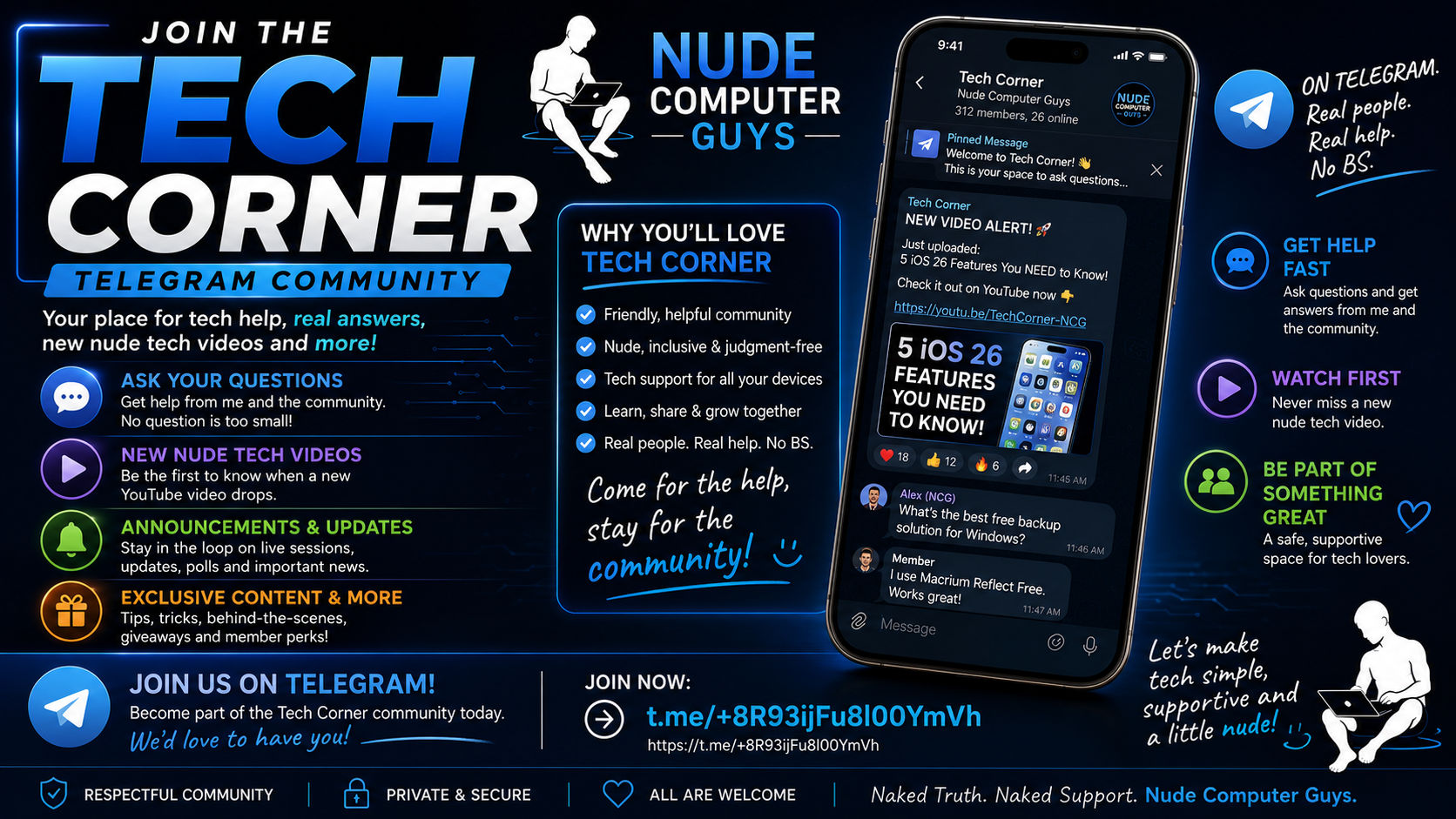
Join use on Telegram:
https://t.me/+8R93ijFu8l00YmVh

Need Tech Support (25% off to all GNM VIP or Gold subscribers):
Make an appointment today at nudecomputerguys.com