Sunday Tech Corner with Alex
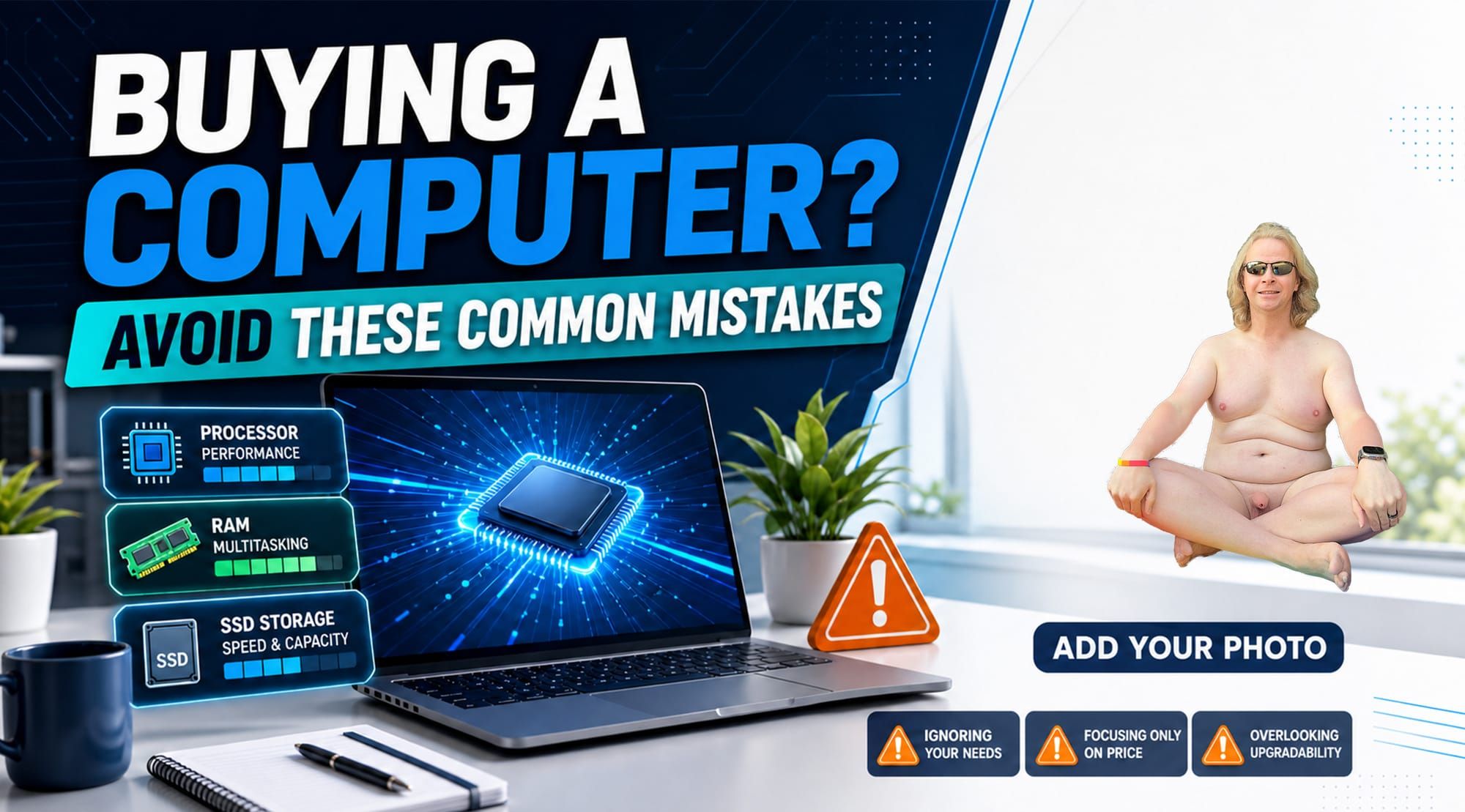
Buying a New Computer? Avoid These Common Mistakes
If you’re shopping for a new computer, it can be tempting to choose the least expensive option. After all, many computers look similar on the outside, and the technical specifications can be confusing.
However, buying the cheapest computer available can cost you more in the long run. I’ve seen many clients purchase a low-priced computer only to become frustrated when it runs slowly, struggles with basic tasks, or needs to be replaced after just a year or two.
You don’t necessarily need the most expensive computer. The goal is to find one that fits your needs today and will continue to perform well for several years. Here are some of the most common mistakes to avoid.
Mistake #1: Shopping Based Only on Price
A low price may look attractive, but budget computers often achieve that price by using slower processors, less memory, lower-quality components, or limited storage.
An inexpensive computer might be adequate for very basic tasks, such as checking email or occasionally browsing the internet. But if you regularly use video calls, keep several browser tabs open, work with documents, edit photos, or run multiple programs, an entry-level machine may quickly feel slow.
Instead of asking, “What is the cheapest computer I can buy?” ask, “What is the best computer for my needs and budget?”
Spending a little more upfront can provide a smoother experience, a longer useful life, and fewer repair or replacement costs.
Mistake #2: Ignoring the Processor
The processor, also called the CPU, is one of the main components responsible for your computer’s performance. Think of it as the computer’s brain.
Processor speed matters, but the number of cores, the processor family, and its generation are also important. This is why comparing computers based only on a single speed number can be misleading. A newer processor may outperform an older one even if their advertised speeds appear similar.
For everyday home or office use, look for a modern midrange processor that has a 5 or 7 in the name. If you plan to edit videos, play demanding games, produce music, or use professional software, you may need something more powerful that has a 7 or 9 in it.
Mistake #3: Buying Too Little RAM
RAM is the short-term memory your computer uses while programs are running. The more RAM you have, the better your computer can handle multiple applications and browser tabs at the same time.
A computer with too little RAM may slow down when you join a video meeting, open a large document, or switch between several programs.
For most people, 16 GB of RAM is a comfortable starting point. Basic users may be able to work with 8 GB, but it provides less room for future software updates and increasing demands. Power users and creative professionals may benefit from 32 GB or more.
Mistake #4: Focusing Only on Storage Capacity
Storage capacity tells you how many files, photos, videos, and applications your computer can hold—but the type of storage matters too.
Look for a computer with a solid-state drive, commonly called an SSD. SSDs are significantly faster than traditional mechanical hard drives. They help your computer start more quickly, open applications faster, and feel more responsive overall.
For many users, a 512 GB SSD provides a practical balance between space and cost. A 256 GB drive may be enough if you store most of your files online, while photographers, video editors, gamers, and people with large media collections may need 1 TB or more.
Mistake #5: Not Thinking About Future Needs
A computer that barely meets your needs today may struggle after a few years of operating-system updates, larger applications, and changing work requirements.
Before buying, think about how you may use the computer over the next three to five years. You might start working from home, take online classes, edit family videos, or use new software that requires additional power.
Choosing slightly better specifications today can help your computer remain useful for much longer.
Mistake #6: Overlooking the Warranty and Repair Options
Performance specifications are important, but reliability and support also matter.
Before purchasing, check the warranty length, what it covers, and how repairs are handled. It is also worth finding out whether components such as the RAM and storage can be upgraded or replaced. On some modern computers, these parts are permanently attached and cannot be upgraded later.
Be cautious with unfamiliar brands or deals that seem too good to be true. Saving a small amount initially may not be worthwhile if getting support or replacement parts becomes difficult.
Mistake #7: Buying Features You Don’t Need
While buying too little computer can be frustrating, spending extra money on features you’ll never use is unnecessary.
A high-end gaming computer is probably excessive if you only browse the web and work with documents. Likewise, you may not need a touchscreen, an ultra-high-resolution display, or a powerful graphics card unless those features support how you plan to use the computer.
Your individual needs—not advertising or the highest specification numbers—should guide your decision.
A Good Starting Point for Most Buyers
For general home, school, or office use, consider a computer with:
- A modern midrange processor
- At least 16 GB of RAM
- A 512 GB or larger SSD
- Enough ports for your accessories
- A comfortable keyboard and good-quality display
- A reliable warranty from a reputable manufacturer
These are general guidelines rather than strict requirements. The right choice depends on what you do, which applications you use, and how long you expect to keep the computer.
Final Thoughts
Buying a computer is an investment. You don’t have to purchase the fastest or most expensive model, but choosing one based only on price can lead to poor performance, frustration, and an early replacement.
Take time to compare the processor, RAM, storage type and capacity, warranty, and upgrade options. Most importantly, choose a computer that matches both your current needs and what you may need in the future.
A thoughtful purchase today can give you a faster, more dependable computer—and save you money and frustration for years to come.
Click on the images to go join the Telegram group, YouTube Channel, and Nude Computer Guys.