Sunday Tech Corner with Alex
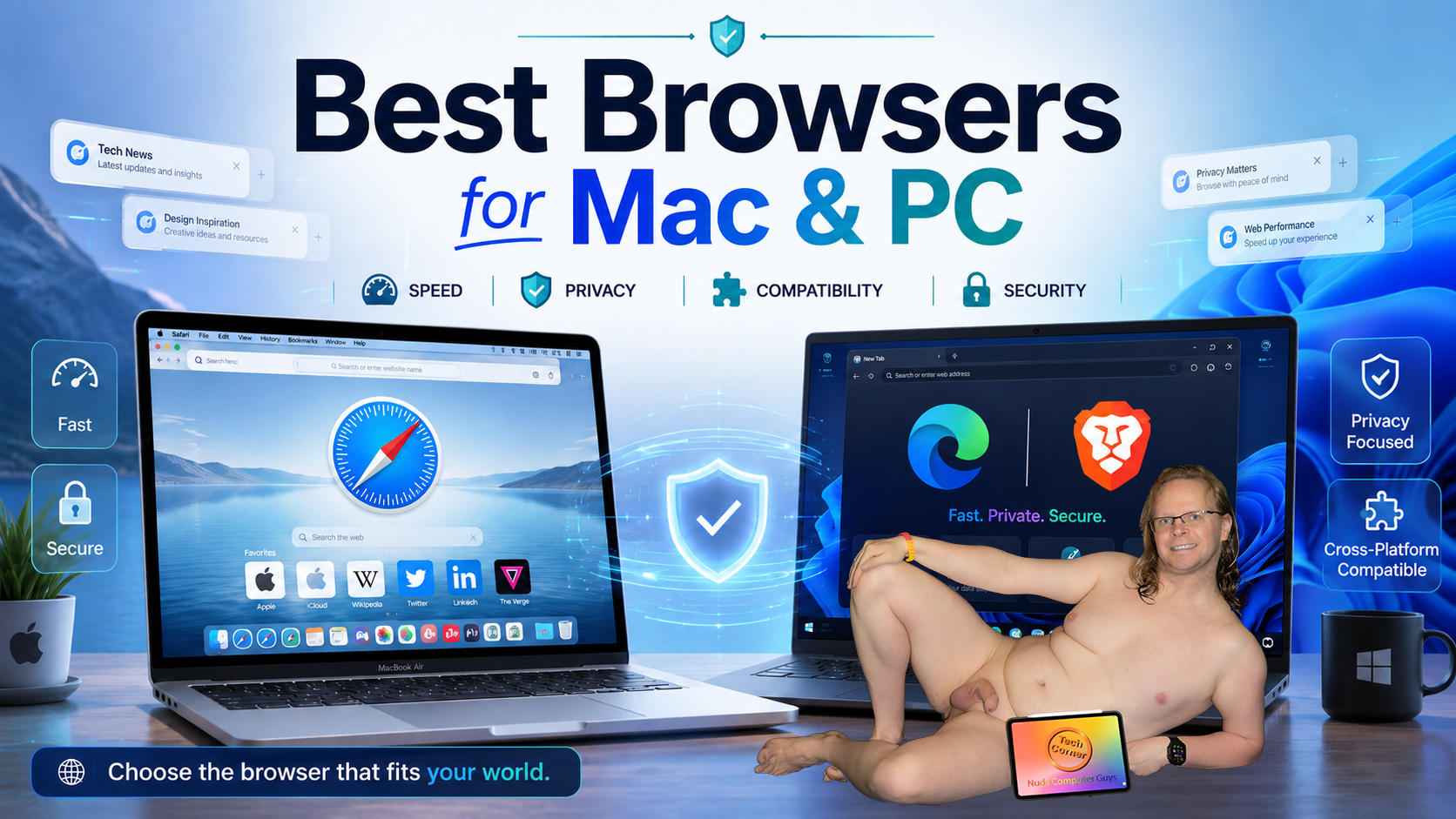
The Best Web Browsers for Mac and Windows PCs
Your browser affects speed, privacy, security, and battery life. Although most browsers open the same websites, each has different strengths.
For Mac users, I recommend Safari. Apple designs it for macOS, so it works well with iPhone and iPad features such as iCloud Tabs, Handoff, Apple Pay, and iCloud Keychain. It is also efficient, making it a strong choice for MacBook battery life.
For Windows users, I recommend Microsoft Edge or Brave. Edge is built into Windows, supports Chrome extensions, and includes Sleeping Tabs, vertical tabs, split-screen browsing, and a PDF reader.
Brave is a strong privacy-focused choice for Mac or PC. It blocks many ads, trackers, and cross-site cookies by default while supporting most Chrome extensions.
Chrome works well for Gmail, Google Drive, Docs, and YouTube users. Firefox is a good alternative for stronger privacy controls.
My preferred setup is Safari on Mac and Edge or Brave on Windows. Keep a second browser installed in case a website fails to load. Keep your browser updated and remove unused extensions.