Sunday Tech Corner with Alex
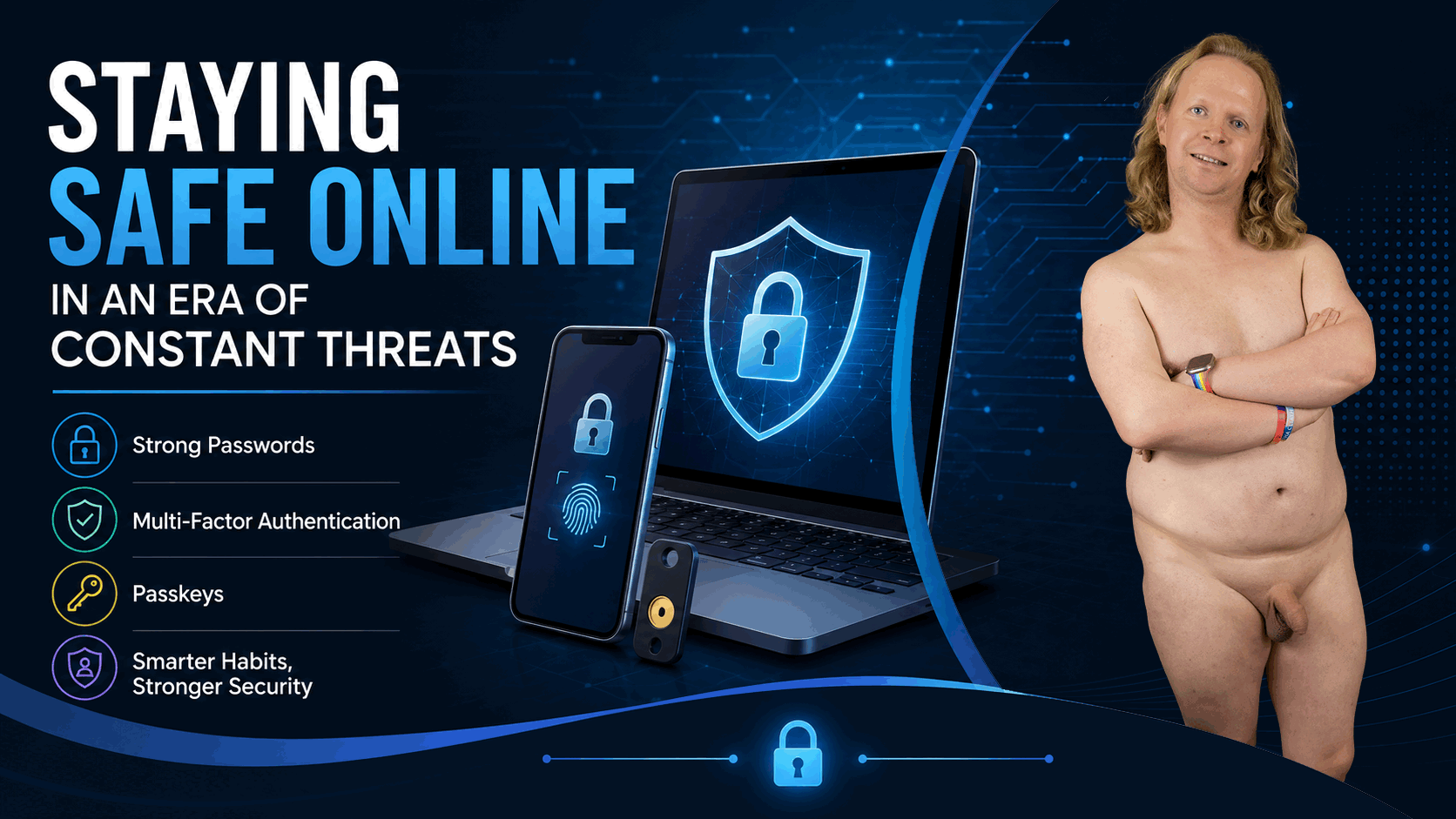
Staying Safe Online in an Era of Constant Threats
As cyber threats continue to grow, protecting your online accounts is more important than ever. Data breaches, phishing scams, and identity theft often have one thing in common: weak or reused passwords.
One of the biggest risks I see is people using the same password across multiple accounts. If criminals obtain that password through a breach or phishing attack, they can try it on your email, banking, shopping, and other accounts. This technique, called credential stuffing, is a common way accounts are compromised.
The best defense is simple: use a unique, strong password for every account. Since remembering dozens of passwords is unrealistic, a password manager can do the work for you.
Managing Passwords the Right Way
Password managers securely generate, store, and automatically fill your passwords.
For Apple users, the built-in Apple Passwords app is an excellent option. It integrates with Face ID and Touch ID and can also manage verification codes.
For people using multiple platforms, such as Windows, Android, and macOS, 1Password is another strong option. In addition to passwords, it can securely store credit cards, passport information, secure notes, and verification codes.
The goal is simple: remember one secure master password and let your password manager handle the rest.
Add a Second Line of Defense with MFA
The next step is enabling Multi-Factor Authentication (MFA). MFA requires additional verification when signing in, so a stolen password alone may not be enough to access your account.
That verification could be a temporary code, an authentication app, or a biometric check such as Face ID or a fingerprint.
Microsoft Authenticator, Google Authenticator, and password managers can all handle MFA codes. Whichever method you choose, make sure your MFA information is properly backed up before replacing your phone. Losing access to your authentication codes can make recovering important accounts difficult.
Passkeys: Life Beyond Passwords
Passkeys are a newer alternative to traditional passwords. Instead of entering a password, you authenticate using Face ID, a fingerprint, or your device PIN.
Behind the scenes, your device uses a secure digital key to verify your identity. There is no traditional password for attackers to steal or trick you into entering on a phishing website.
Passkeys make signing in both easier and more resistant to common attacks. As more services adopt them, passwords may gradually become less important.
Small Steps Make a Big Difference
Better online security does not require advanced technical knowledge. Start with four simple habits: use unique passwords, use a trusted password manager, enable MFA, and use passkeys whenever available.
These relatively small changes can dramatically reduce your chances of account theft and help protect your identity, personal information, and digital life.