Sunday Tech Corner with Alex
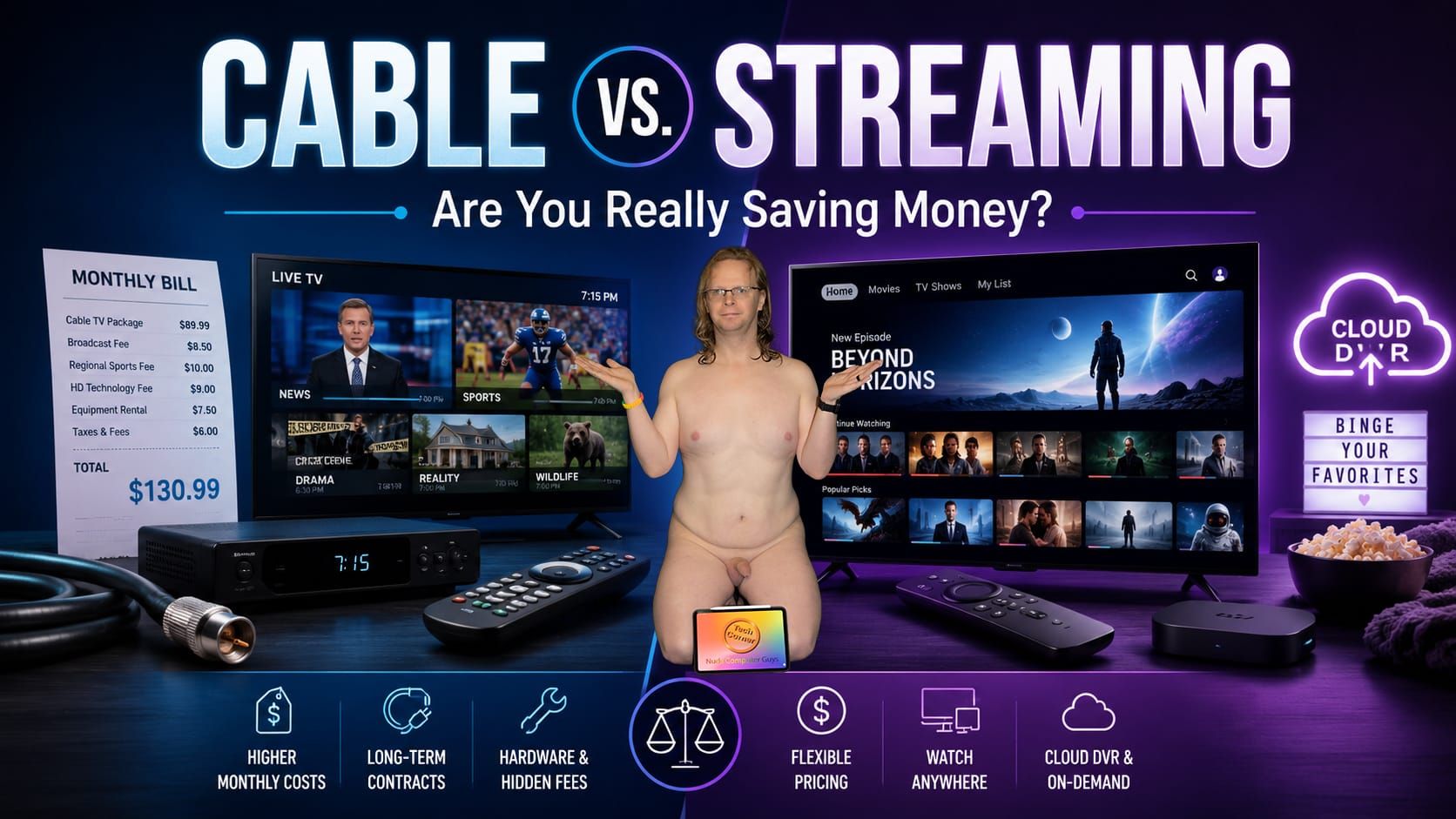
Cable vs. Streaming: Are You Really Saving Money?
One of the questions I get asked a lot is: Should I keep my cable TV service, or should I finally switch completely to streaming?
It’s a great question, but the answer isn’t as simple as it used to be.
Years ago, “cutting the cord” almost automatically meant saving money. Today, there are so many streaming services that if you subscribe to five or six of them at the same time, your monthly bill can quickly start looking a lot like the cable bill you were trying to get rid of.
The good news is that streaming gives you much more flexibility.
How Much Do Streaming Services Cost?
Streaming Service | Starting Price | Higher-Tier Option |
Apple TV | $12.99 | $12.99 |
Netflix | $8.99 with ads | $26.99 Premium |
Disney+ | $11.99 with ads | $18.99 Premium |
Paramount+ | $8.99 Essential | $13.99 Premium |
Peacock | $8.99 Select | $19.99 Premium Plus |
HBO Max | $9.99 with ads | $20.99 Premium |
Prices can change, and taxes or special promotions may affect what you actually pay.
This is where streaming can get expensive. Subscribe to Apple TV, Netflix, Disney+, Paramount+, Peacock, and HBO Max simultaneously, and you can easily spend $60–$100+ every month, depending on whether you choose ad-supported or premium plans.
And that’s before adding a live-TV streaming service.
You Don’t Have to Subscribe to Everything at Once
One of my favorite ways to use streaming services is to rotate them.
Instead of paying for Netflix, Apple TV, Peacock, Paramount+, HBO Max, and Disney+ every month of the year, subscribe to one or two services, watch the programs you’re interested in, cancel them, and move to another service.
For example, you might have Apple TV for a couple of months, catch up on your shows, cancel it, and switch to Netflix. A month or two later, perhaps there is something you want to watch on HBO Max or Paramount+.
Most of these services don’t require an annual contract, so you’re not locked into keeping them all year.
That approach is where cord-cutting can still save you quite a bit of money.
Apple TV Is One of My Favorites
If you’re an Apple person and already live in the Apple ecosystem, I definitely recommend taking a look at Apple TV.
It currently costs $12.99 per month after its trial. Apple also includes it with Apple One subscriptions, and eligible purchases of new Apple devices can include a promotional free period.
What I like about Apple TV is that Apple seems to focus more on quality than quantity.
There may not be thousands upon thousands of shows to dig through, but there are some excellent originals. Some of my favorites include The Morning Show, Shrinking, and Ted Lasso, along with plenty of other movies and series.
I would rather have a smaller library filled with shows I actually want to watch than spend 30 minutes scrolling through hundreds of titles trying to find something good.
Netflix Still Has a Lot to Offer
Netflix is another service that stays fairly high on my list, although its prices have continued to climb.
Netflix currently offers:
- Standard with Ads: $8.99/month
- Standard: $19.99/month
- Premium: $26.99/month
The Premium plan gives you 4K HDR video and allows more simultaneous streams, while the lower-priced ad-supported plan can dramatically reduce your bill if you don’t mind commercials.
Netflix releases a tremendous amount of content. Some of it can definitely be hit-or-miss, but there are also plenty of great shows.
I’ve enjoyed shows such as Sex Education, Grace and Frankie, and many of the Korean dramas and series available on Netflix. Their international catalog is actually one of the things I think Netflix does particularly well.
Don’t Overlook Bundles
Before subscribing to several individual services, check the bundles.
For example, Disney currently offers a Disney+, Hulu and HBO Max bundle for $19.99 per month with ads, while the no-ads version is $32.99 per month. There are also Disney+, Hulu and ESPN bundles for people who watch sports.
Bundles can make a huge difference.
If you’re already planning to subscribe to all of the included services, paying for the bundle instead of purchasing each service separately can significantly lower your monthly cost.
What If You Still Want Regular Live TV?
This is where things become more interesting.
You may not need a traditional cable box anymore, but you may still want local stations, live news, sports, ESPN, CNN, Food Network, HGTV and other traditional cable channels.
Services such as YouTube TV and DIRECTV streaming packages essentially give you a digital version of cable television.
YouTube TV’s regular main plan is currently $82.99 per month and includes more than 100 channels, local stations in supported areas, six household accounts and unlimited DVR storage.
DIRECTV’s streaming packages currently start around $89.99 per month at regular pricing, although promotional pricing can reduce the introductory cost. Higher packages can exceed $120 or even $160 per month depending on the channels and sports networks you want. DIRECTV also includes unlimited cloud DVR with its streaming packages.
That’s an important consideration because once your streaming TV package costs $80–$100 per month and you start adding Netflix, Apple TV and other services, you may actually be spending more than you were paying for cable.
The DVR Advantage
One big advantage of services such as YouTube TV and DIRECTV’s streaming options is the cloud DVR.
With a traditional cable provider, you may have to rent a DVR or additional cable boxes. With streaming television, your recordings live in the cloud.
That means you can record programs and watch them later from your television, Apple TV, smartphone, tablet or other supported device without having a physical DVR sitting under the television.
YouTube TV, for example, includes unlimited DVR storage with its main plan. DIRECTV also advertises unlimited cloud DVR with its major streaming packages.
For people who record a lot of television, that can be a major advantage.
Your Cable Subscription May Already Include Streaming Access
Before canceling your cable service, check exactly what you’re already paying for.
Depending on your cable or TV provider and your package, subscriptions to premium channels such as HBO may include access to their corresponding streaming apps. Some network applications also let participating cable subscribers sign in using their television-provider credentials.
However, don’t assume every streaming service works this way. Services such as Netflix, Apple TV and Disney+ are normally separate subscriptions unless your provider specifically bundles them into your package.
This is why I recommend looking at the complete bill rather than simply comparing the advertised price of cable with the advertised price of one streaming service.
So, Should You Cancel Cable?
It really comes down to how you watch television.
If you mostly watch a handful of specific shows and movies, I think individual streaming services make a lot of sense. Subscribe to the services you need, rotate them throughout the year, and don’t be afraid to cancel something when you’re no longer watching it.
That can keep your entertainment bill surprisingly low.
On the other hand, if you watch a lot of live television, local stations, sports and news, a traditional cable package or live-TV streaming service such as YouTube TV or DIRECTV may still be the better choice
And if your existing cable company gives you a good package with internet, television, premium channels and equipment for a competitive price, there isn’t anything wrong with keeping cable.
The important thing is to actually do the math.
Take your current cable bill and compare it with the streaming services you would realistically subscribe to—not just one service, but all of them.
You might discover that cutting the cord saves you $50 every month.
Or you might discover that after Netflix, Apple TV, Disney+, Peacock, Paramount+, HBO Max and a live-TV service are added together, you’ve basically rebuilt your cable package—just with seven different bills.
Streaming can absolutely save you money. The trick is not subscribing to everything at the same time.**Pricing is current as of August 27, 2026; streaming companies change prices fairly frequently, so I’d date the pricing in the published article.